 Soroban Portal
A web-based service for abacus schools
Run your abacus school
with Soroban Portal.
From managing your student roster to checking learning progress, everything is in one place.

Features
Features for running your school
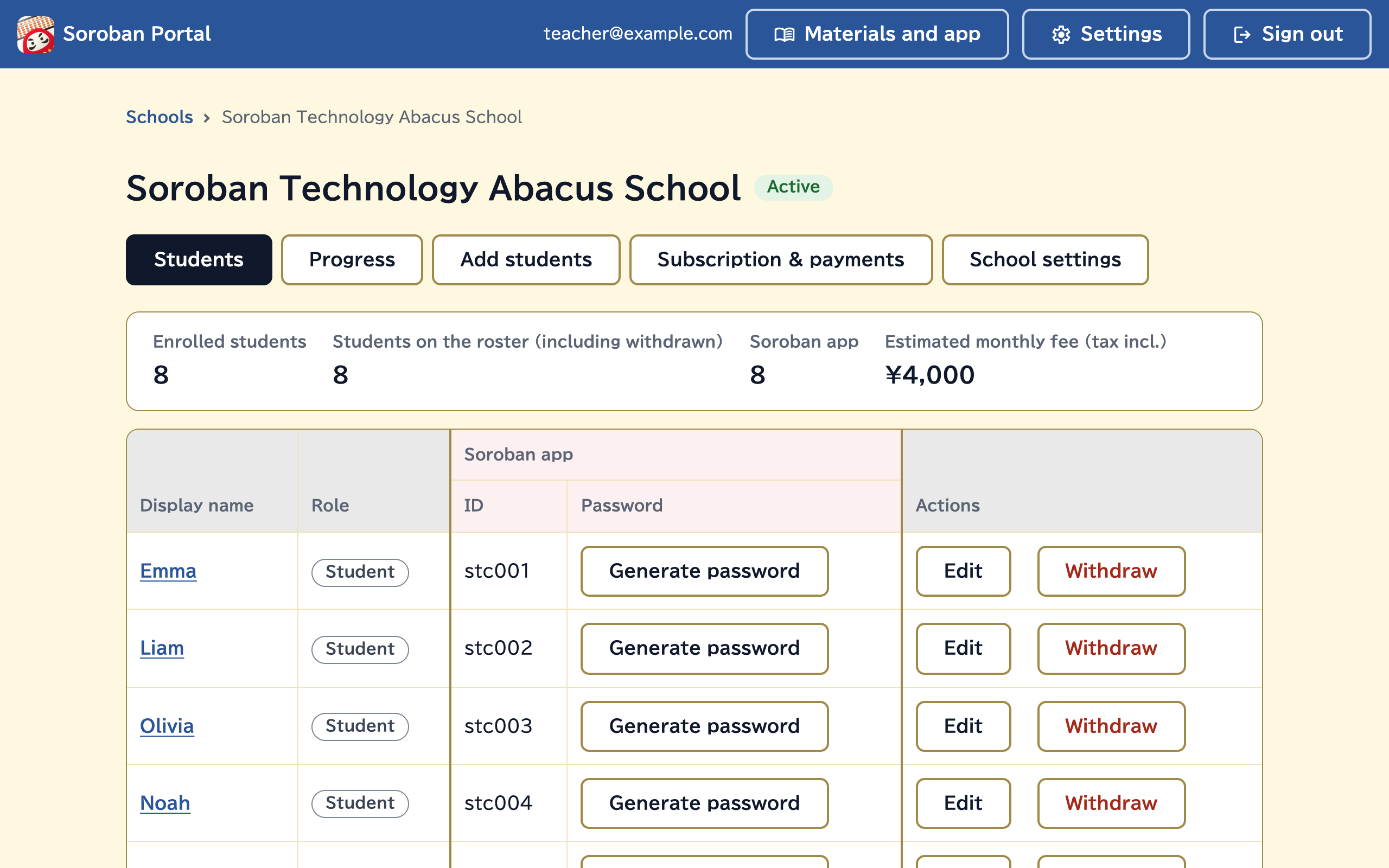
FreeStudent roster
Add students, change their names, and manage withdrawals.
PaidSoroban app
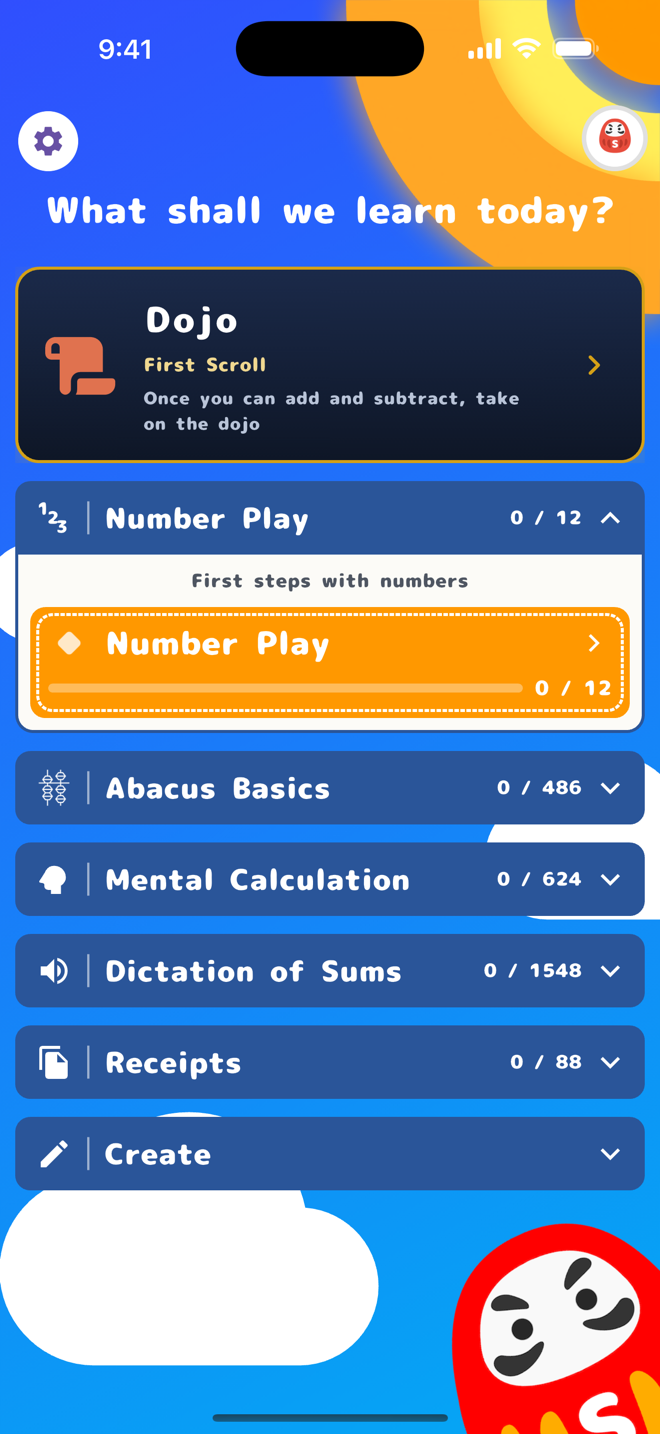
Generate Soroban app IDs and passwords for each student.
Check learning progress in the portal, and turn off features your school doesn’t use so they don’t appear in the app.
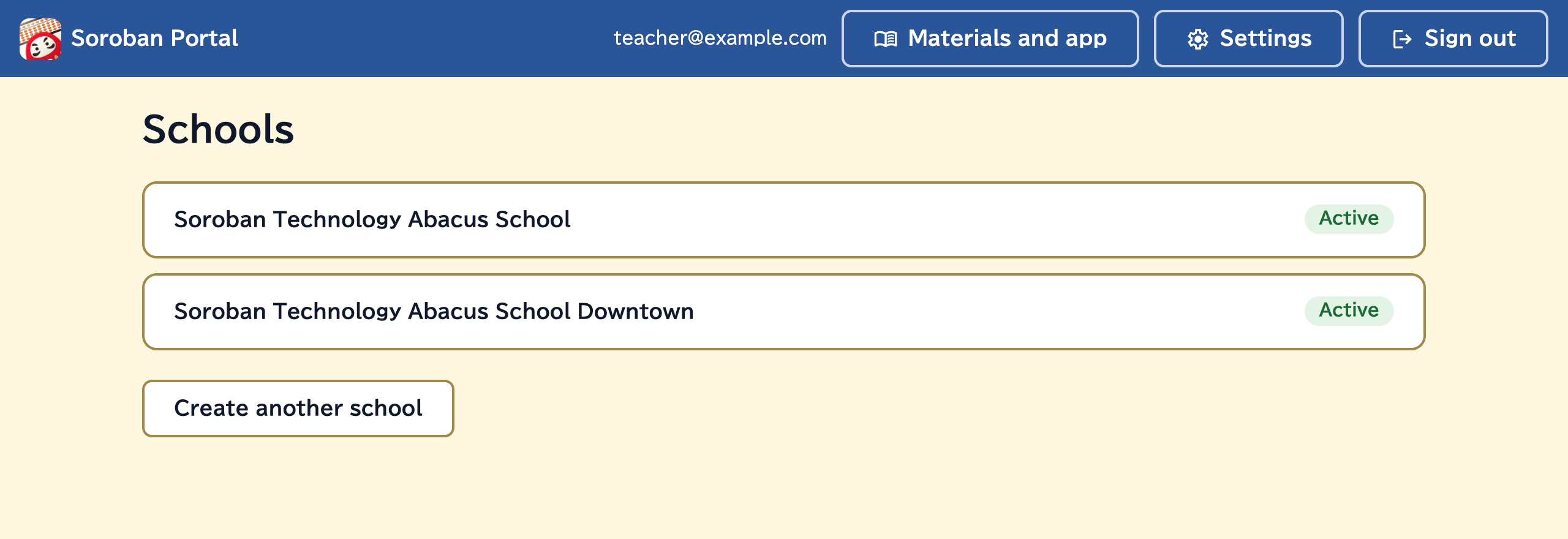
FreeSchool management
Manage multiple schools in one place.
Your subscription and payments are also handled entirely online.
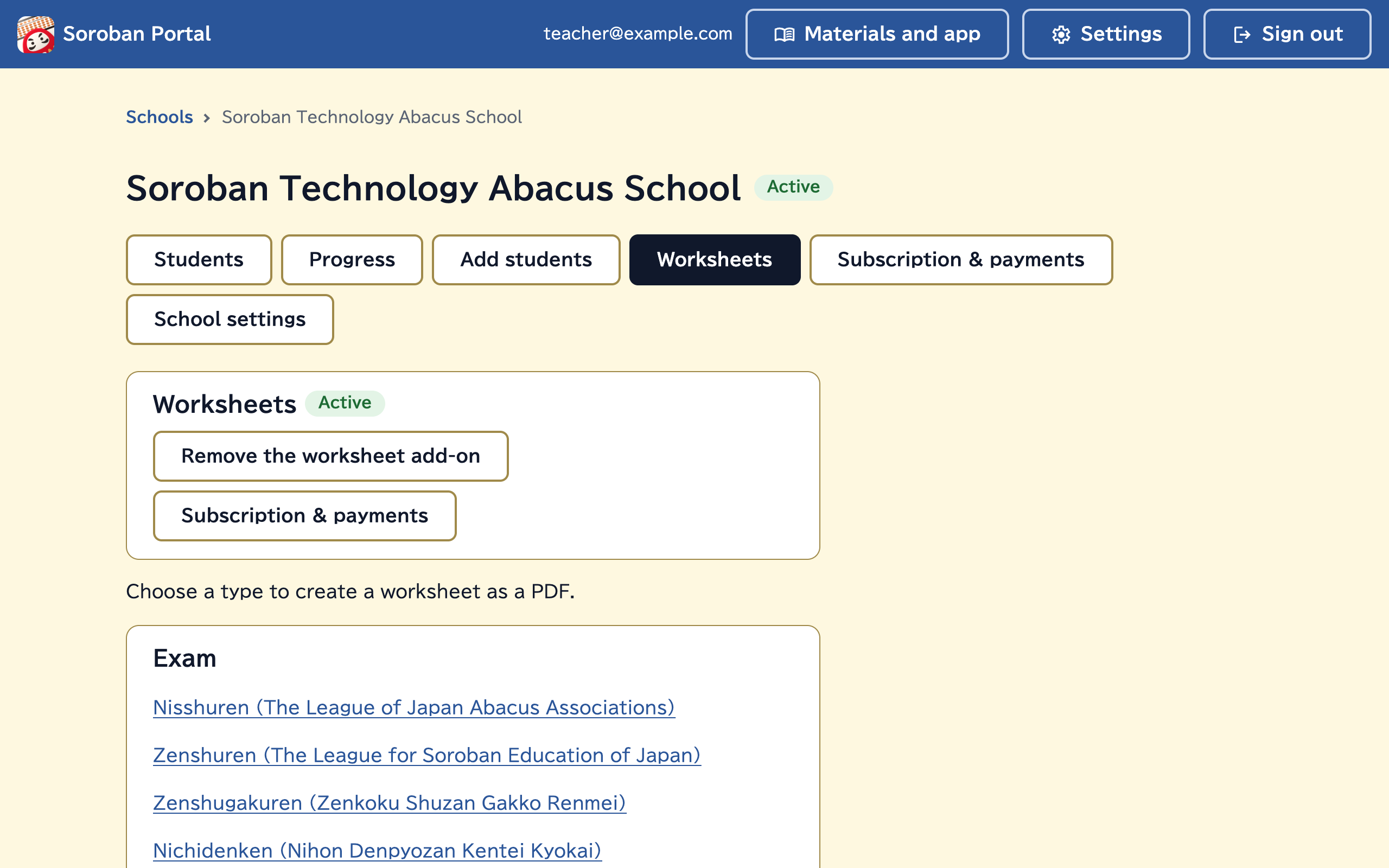
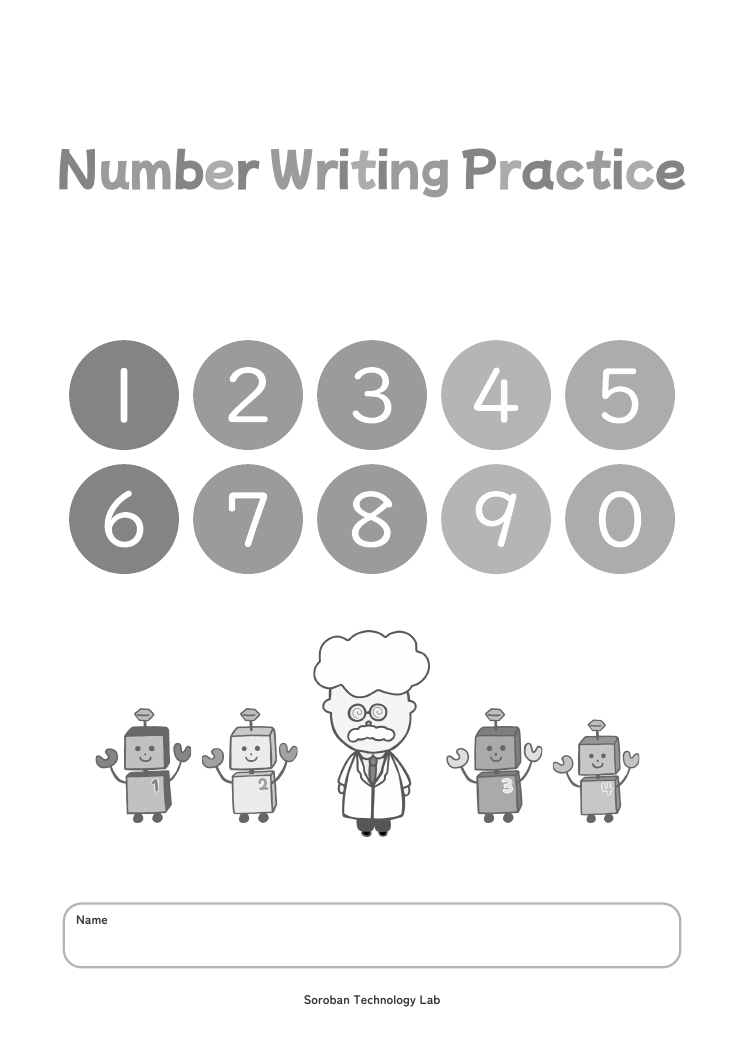
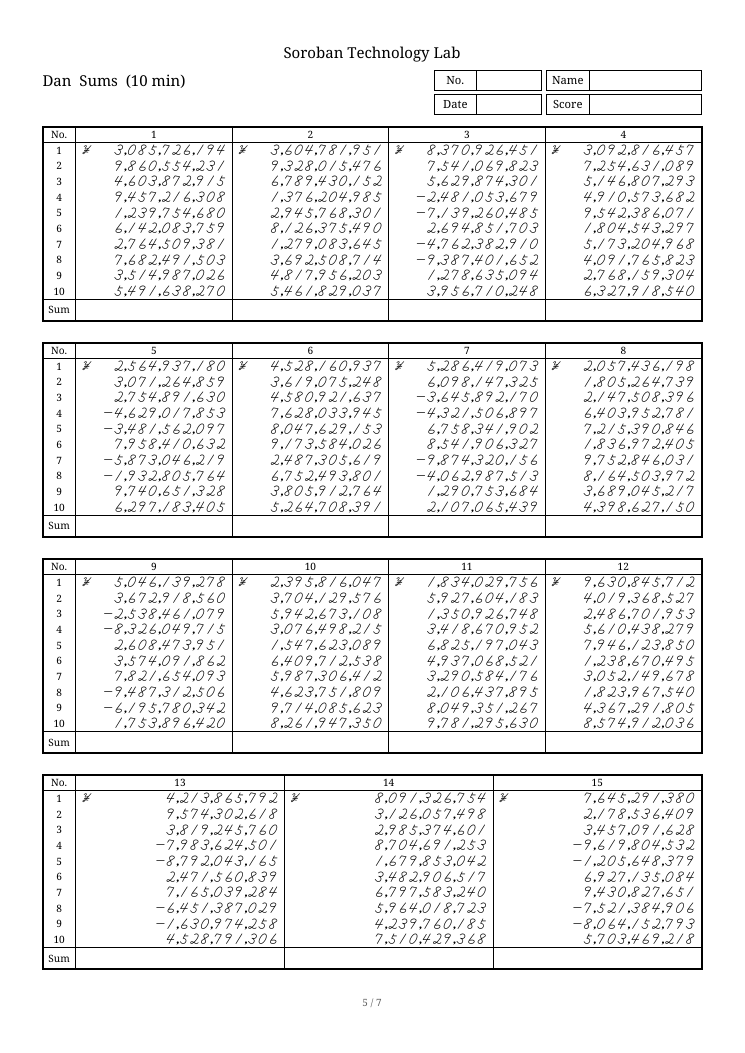
PaidWorksheet creation
Choose a type and grade to create worksheets as PDFs: exam and competition practice, and worksheets by topic.
Print them for practice in class or as homework.
We will continue to add features over time
Pricing
The student roster is free for up to 100 students
Fees depend on the features you use and the number of people.
Number on the roster (per month, JPY)
Students 1–100Free
From the 101st student¥10/student
Number using the Soroban app (per month, JPY)
Students 1–30¥500/student
From the 31st student¥200/student
Worksheet creation (per month, JPY)
Per school¥500
- Fees and subscriptions are per school.
- There are no setup fees or minimum commitment.
- Subscriptions renew automatically every month.
Getting started
- 1Sign upPlease sign up with your Google Account or email address.
- 2Create a schoolPlease enter your school name and other details.
- 3Start your subscriptionPlease add your payment method in “Subscription & payments”.
This step is not needed if you stay on the free plan. - 4Add studentsPlease enter your students’ names and add them to the roster.
Frequently asked questions
About Soroban Portal
Can we try it for free?
Yes. Signing up is free. If you stay on the free plan, you do not need to add a payment method.
Can we use it on a computer?
Yes. It works in a web browser on a computer or smartphone.
Can schools outside Japan use it?
Yes. Besides Japanese, it is available in many languages, including English. Prices are set in Japanese yen; if you pay in another currency, you are charged the converted amount.
What payment methods are available?
Payment is made online through Stripe, by credit card and other methods.
How do we cancel?
You can cancel on the “Subscription & payments” screen. You can continue using the service until your next renewal date. After that, the features in the free plan remain available. Periods already paid for are not refunded.
About managing students
Can we change the number of students later?
Yes. If your fee goes up, the increase is calculated pro rata up to your next renewal date and added to your next invoice. If your fee goes down, the change applies from your next renewal date. See the Terms for details.
Are withdrawn students charged for?
They count toward the number of students on the roster. There is no Soroban app fee for them. To reduce the number on the roster, please delete withdrawn students from it. Deleted students cannot be restored.
Do teachers need to be added to the roster?
It is not required. If a teacher will use the same features as students, please add them in the same way as a student. The fee is also the same as for one student.
About the Soroban app
Which features can be used?
The same features as the regular paid plan are available.
Can we try it before getting started?
The Soroban app is free to download, and some features can be tried for free. Paid features are available starting from one student.
Which devices can it be used on?
It can be used on smartphones and tablets.
Is a device required for every student?
No. Each student signs in with their own ID, so students can take turns on one device.
Where can we find IDs and passwords?
IDs can be found in the student list in the portal. A password is shown only once, when it is generated. If a password is forgotten, you can generate a new one.
About worksheet creation
What kinds of worksheets can I create?
You can create the following worksheets. [Exam] Nisshuren (The League of Japan Abacus Associations), Zenshuren (The League for Soroban Education of Japan), Zenshugakuren (Zenkoku Shuzan Gakko Renmei), Nichidenken (Nihon Denpyozan Kentei Kyokai) [By topic] Number Writing, Numbers and Counting, Abacus and Numbers, Carrying and borrowing (Sums), Times Tables, Times Table Chart, Quotient revision (Division), Rounding (Multiplication and division), Negative answers (Sums) [Competition] Soroban Grand Prix Japan, All Japan Soroban Contest, All Japan Anzan Contest [Abacus Games] Pyramid, Division to 13 Quotient Digits, Triple Jump Cards
Are these real exam or competition questions?
No. They are original practice questions created by this service, based on the guidelines published by each organization. Each worksheet you create has new questions.
What is the fee if I start partway through the month?
The worksheet fee is not prorated. One month's fee is added to your next invoice, whichever day you start.
Is there a limit on how many I can create?
Each school can create up to 1,000 in the most recent 30 days.
Can I stop when I no longer need it?
Yes. You can remove the add-on at any time on the school's “Worksheets” screen. You can keep creating worksheets until your next renewal date, and no fee applies for periods after that. The fee for the period you had it is included in your next invoice. Periods already paid for are not refunded.
Inquiries
We welcome questions before you get started and requests for customization for your school (such as original lesson videos). We will reply by email within 3 business days (Japan time).
Your inquiry has been received
A member of our team will respond by email within 3 business days (Japan time).
A confirmation email has been sent to you. If you do not receive it, please check your spam folder.
Reference number
Inquiries are also welcome by email at support@sicorp.jp